On this page19 sections
- What Are LMS Use Cases?
- LMS Use Cases at a Glance
- 1. Deliver Structured Online Courses
- 2. Run Self-Paced Learning Programs
- 3. Support Blended Learning and Live Classes
- 4. Manage Cohort-Based Learning
- 5. Organize Tutoring and Coaching Programs
- 6. Manage Courses in Schools, Academies, and Universities
- 7. Run Assessments and Manage Grades
- 8. Issue Certificates After Course Completion
- 9. Track Learner Progress and Identify Gaps
- 10. Deliver Employee Training and Professional Development
- 11. Train Customers, Clients, and Partners
- 12. Scale an Academy or Training Business
- Which LMS Use Case Fits Your Organization?
- What LMS Features Should You Check?
- When Is an LMS Not the Right Choice?
- How Should You Choose an LMS for Your Use Case?
- Choose the LMS Use Case Before the Platform
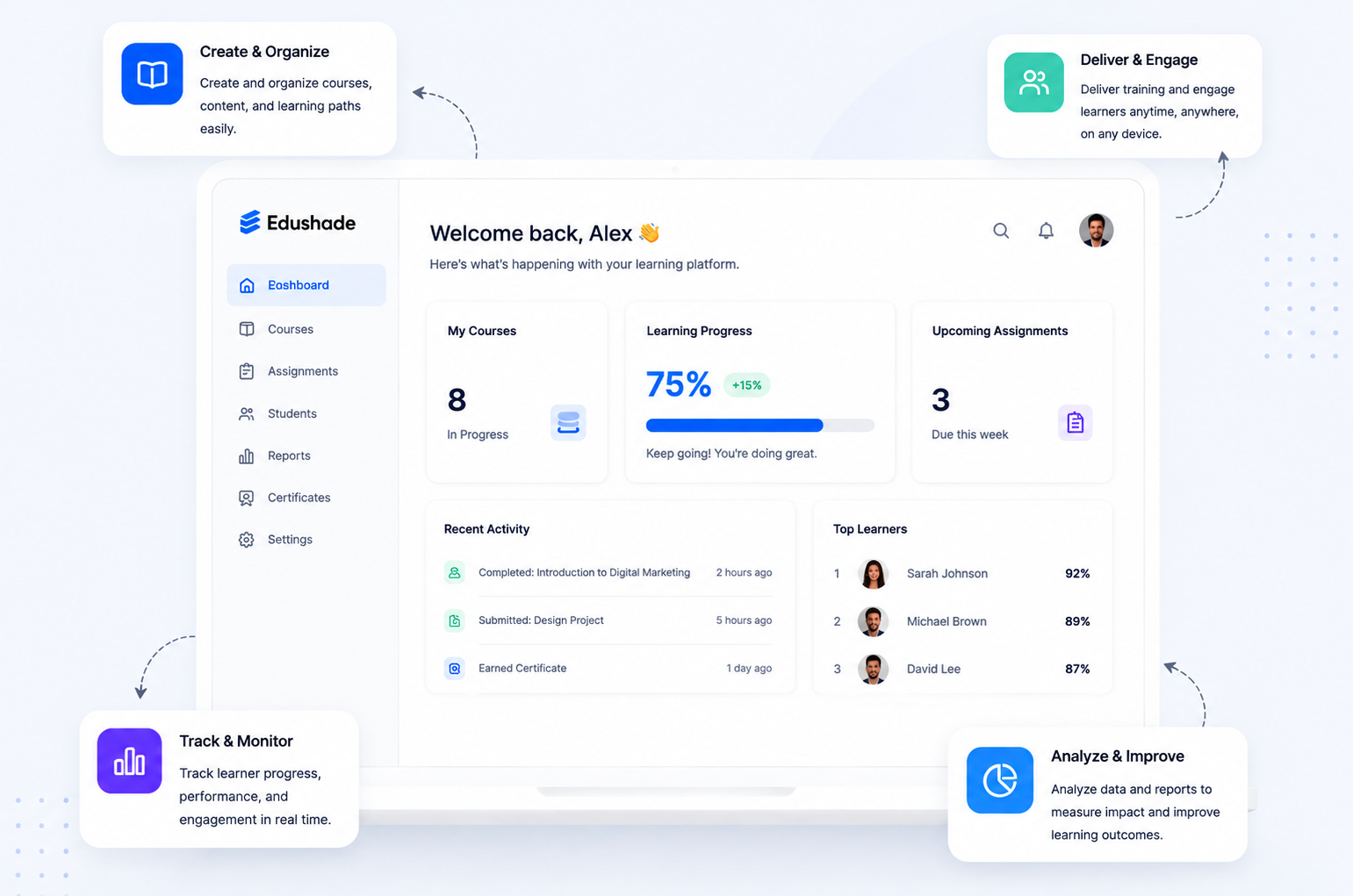
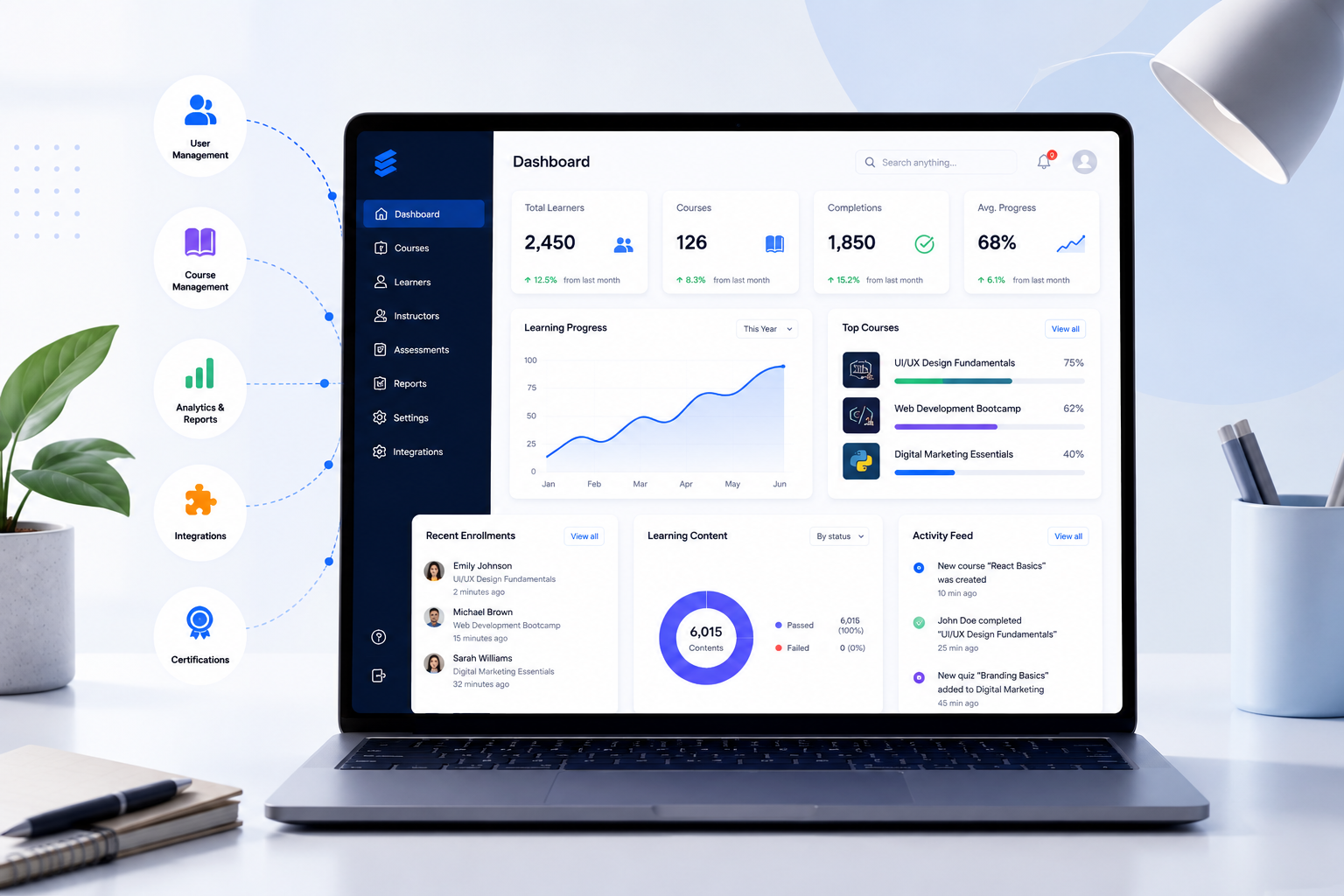
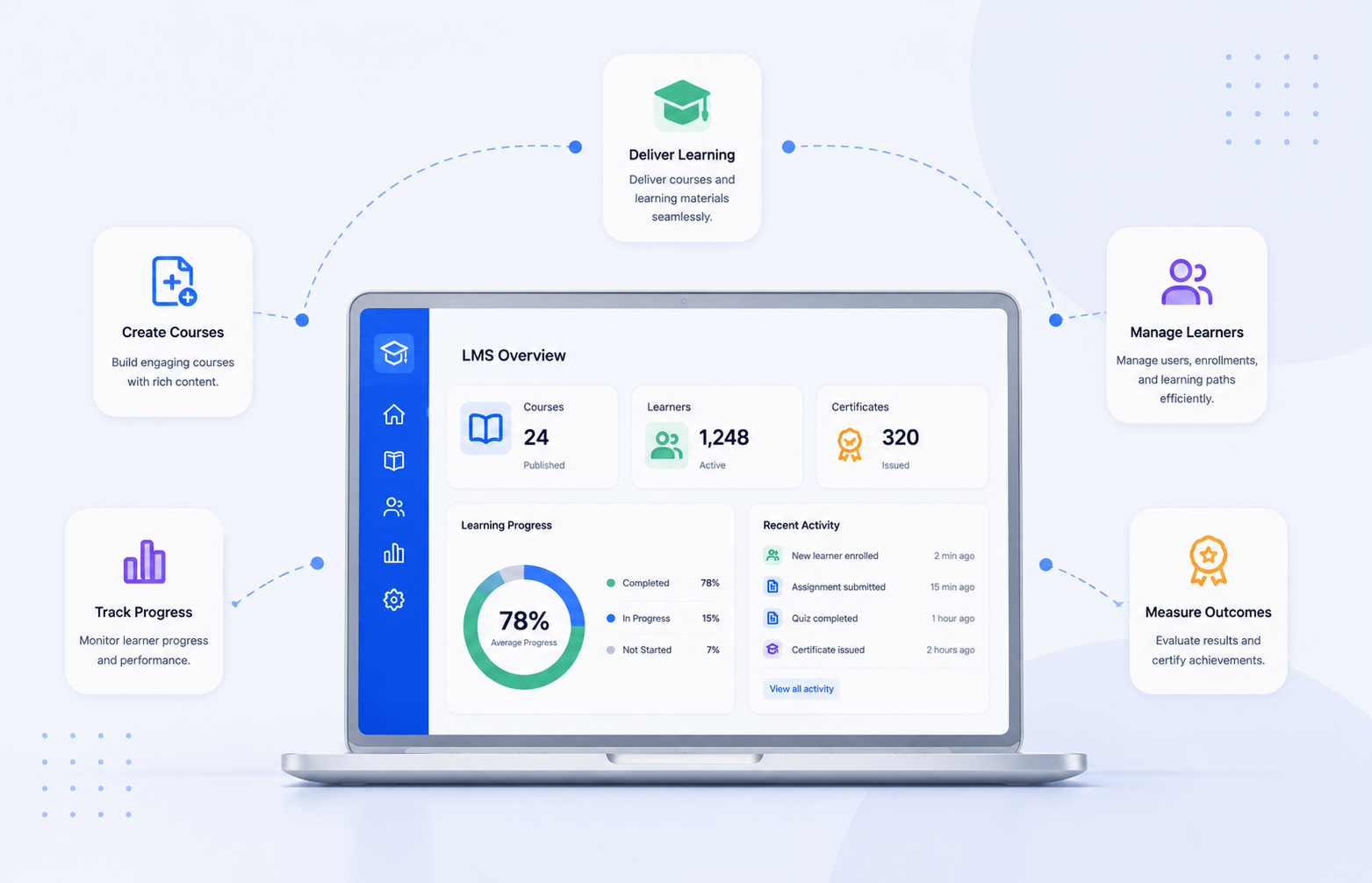
LMS use cases are the practical ways a learning management system helps organizations deliver, manage, track, and improve education or training. Common examples include online courses, blended learning, cohort programs, assessments, certificates, learner progress tracking, employee training, and customer education. The right LMS use case starts with the learning workflow you need to manage, not a long feature list.
What Are LMS Use Cases?
An LMS use case describes a real learning or training problem that a learning management system helps solve. It answers questions such as how to deliver a course, manage a cohort, assess learners, track completion, or organize training for a growing audience.
A feature is different from a use case. Quizzes, certificates, progress tracking, and reporting are LMS features. Assessing learner knowledge, proving course completion, and identifying learners who need support are the use cases those features support.
An LMS example is different again. Moodle, Canvas, Blackboard, and Edushade are learning platforms; online course delivery and employee training are LMS use cases. This distinction helps buyers compare systems based on what they need to accomplish rather than brand recognition alone.
For a broader introduction, see our guide to what an LMS means and how it works.
LMS Use Cases at a Glance
| LMS use case | Best suited to | Main purpose |
|---|---|---|
| Online course delivery | Course creators, academies | Deliver structured digital learning |
| Self-paced learning | Educators, universities | Give learners flexible access |
| Blended learning | Schools, academies | Combine live and independent study |
| Cohort-based learning | Coaches, academies | Run scheduled group programs |
| Tutoring and coaching | Tutors, coaches | Organize teaching and learner support |
| Academic course management | Schools, universities | Coordinate courses and instructors |
| Assessments and grading | Education providers | Measure learner understanding |
| Certificates | Training providers | Record successful completion |
| Progress tracking | Most learning providers | Monitor participation and performance |
| Employee training | Businesses | Support onboarding and skills development |
| Customer and partner education | Organizations | Train external audiences |
| Training business growth | Academies, creators | Manage more learners and programs |
1. Deliver Structured Online Courses
Online course delivery is one of the most common LMS use cases. A learning management system can bring lessons, videos, documents, quizzes, assignments, and instructions into one organized course instead of leaving learners to search across email threads and separate folders.
This use case suits course creators, academies, tutors, and training businesses that teach a repeatable program. The LMS connects course content with learner access, assessments, completion rules, and progress records, creating a clearer path from enrollment to completion.
A course creator, for example, can build one structured program and enroll new learners into it over time. The material does not need to be rebuilt for every intake, although content should still be reviewed and updated when the subject or learner needs change.
2. Run Self-Paced Learning Programs
Self-paced learning lets learners work through a program without attending every lesson at a fixed time. An LMS can provide recorded lessons, readings, activities, quizzes, and progress requirements that learners complete according to their own schedules.
This model can work well for working professionals, international audiences, university learners, and online course businesses. Prerequisites or content-release rules can still guide learners through a logical sequence rather than giving them an unstructured library of materials.
Self-paced does not mean unsupported. Learners still benefit from clear objectives, useful feedback, realistic milestones, and ways to ask for help. An LMS organizes the experience, but the course design determines how understandable and useful that experience becomes.
3. Support Blended Learning and Live Classes
Blended learning combines scheduled instruction with independent study. An LMS can give learners one place to review material before class, attend or access live learning activities, complete follow-up work, submit assignments, and check their progress.
Schools, universities, academies, coaches, and professional training providers can use this approach when some learning benefits from real-time interaction while other activities are better completed independently.
Edushade’s course structure can include video, audio, text, PDFs, live sessions, quizzes, assignments, learning paths, and scheduled cohorts.
4. Manage Cohort-Based Learning
Cohort-based learning places a group of learners into the same program for a defined period. An LMS can organize their shared course, start and end dates, learning sequence, assessments, resources, and scheduled activities.
This approach suits academies, bootcamps, coaching programs, and professional training businesses that run repeated intakes. A provider might offer the same program in January, April, and September while keeping each learner group on its own schedule.
Edushade connects courses with learning paths and cohorts. A cohort is a scheduled run of a course or learning path in which a group moves through the program together.
5. Organize Tutoring and Coaching Programs
Tutors and coaches can use LMS software when their service includes repeatable lessons, resources, assignments, assessments, or learning milestones. The LMS gives clients a consistent place to find material instead of relying only on calls, email attachments, and chat messages.
A language tutor might share preparation work before a lesson and assign practice afterward. A business coach could arrange resources around stages of a program while using progress information to see which activities a client has completed.
A full LMS may be unnecessary for completely informal one-to-one sessions with little reusable content. The system becomes more valuable as the program gains structure, multiple learners, repeated resources, assessments, or defined completion requirements.
6. Manage Courses in Schools, Academies, and Universities
An LMS for education helps institutions connect learners, instructors, course content, assessments, and learning records. Its value goes beyond storing files because activities can be tied to specific courses, users, deadlines, results, and completion requirements.
Schools and academies may use LMS software to coordinate several classes and instructors. Universities may require additional capabilities around roles, accessibility, integrations, reporting, and larger academic structures.
An LMS should not automatically be treated as a Student Information System. An LMS focuses mainly on teaching and learning workflows, while an SIS typically handles broader institutional records and administration. Some institutions connect both systems rather than expecting one to replace the other.
7. Run Assessments and Manage Grades
Assessment is a major learning management system use case because teaching providers need a reliable way to check what learners understand. Depending on the LMS, assessment tools may include quizzes, assignments, examinations, attempt limits, feedback, and automatic or manual grading.
The main benefit is context. An assessment result can remain connected to the learner, course, and progress record, making it easier for instructors to review performance instead of collecting results through unrelated forms or files.
Edushade documents quizzes, assignments, exams, multiple question types, attempt and timer controls, automatic and manual grading, and assessment analytics.
Assessment format still matters. Multiple-choice questions can test some kinds of knowledge efficiently, while essays, projects, demonstrations, and instructor-reviewed tasks may be more suitable for complex skills.
8. Issue Certificates After Course Completion
Certificate management is useful when learners need evidence that they completed a defined program or met specific course requirements. Training providers, academies, and professional educators can connect certificate eligibility to their learning workflow.
A meaningful certificate should be tied to a clear requirement. That might involve completing a course, passing an assessment, or receiving an approved review rather than simply opening the learning materials.
Edushade documents configurable certificate requirements, automatic and manual issuing, revocation, and certificate verification.
A platform-issued certificate should not be presented as government licensing, university credit, or professional accreditation unless the relevant authority has formally recognized the program.
9. Track Learner Progress and Identify Gaps
Progress tracking helps answer practical questions: Who has started? Who is progressing? Who has stopped? Which activities remain incomplete? Which learners may need extra support?
An LMS can connect lesson completion and assessment activity to an individual learner record. The exact information available depends on the platform, course setup, and completion rules.
Edushade documents progress tracking across lessons, quizzes, and assignments, along with course progress, completion rules, grading, marksheets, and learning-time information.
Tracking alone does not improve learning. The information becomes valuable when an instructor acts on it through feedback, extra teaching, reminders, revised material, or direct support for learners who are struggling.
10. Deliver Employee Training and Professional Development
Businesses use LMS platforms for onboarding, internal training, professional development, upskilling, and other structured learning programs. A shared system can help employees receive consistent material while managers or training teams review completion.
An onboarding program, for example, could organize company processes, tools, role-specific knowledge, required reading, and assessments into a learning path rather than spreading those materials across multiple channels. The training teams page covers what that looks like in practice.
Organizations using an LMS for regulated or compliance-related training should verify the legal, security, retention, audit, and certification requirements that apply to them. Having an LMS does not itself prove regulatory compliance.
11. Train Customers, Clients, and Partners
Customer and partner education is another practical LMS for training use case. Organizations can provide structured instruction to people outside their workforce, including customers, franchisees, members, partners, or professional clients.
A software company might use an online learning platform to teach customers how to use its product. A professional association could organize member education, while a partner program could require learners to complete foundational material before moving to advanced training.
External training also requires sensible access control. Providers should decide who can enroll, what each audience can access, what learner information is collected, and which records genuinely need to be retained.
12. Scale an Academy or Training Business
An LMS becomes especially useful when a learning business grows beyond a single course or instructor. More learners can mean more enrollments, cohorts, assessments, payments, communications, certificates, and progress records to manage.
Centralizing those workflows can make repeated programs easier to operate consistently. The aim is not to automate every human interaction; it is to reduce avoidable fragmentation while keeping instructors focused on teaching and learner support.
Edushade is one relevant example for academies and training providers. It covers courses, learning paths, cohorts, bulk enrollment, progress and grading, assessments, certificates, payments, communication, and community features.
Which LMS Use Case Fits Your Organization?
The right LMS depends on the learning process you need to run. Start with your audience, delivery model, assessment requirements, reporting needs, and operational workload before comparing feature lists.
| If you are... | Capabilities worth prioritizing |
|---|---|
| Tutor | Lessons, assignments, progress, communication |
| Course creator | Course delivery, access, payments, certificates |
| Coach | Cohorts, scheduled learning, resources, community |
| Academy | Courses, instructors, cohorts, assessments, reporting |
| School | Content, assignments, grading, learner communication |
| University | Roles, scale, accessibility, integrations, reporting |
| Training business | Learning paths, assessments, certificates, analytics |
| Employer | Onboarding, training paths, completion records, reporting |
What LMS Features Should You Check?
The most useful LMS features are the ones that support your required workflow. A platform with hundreds of options can still be a poor fit if routine tasks are confusing for learners, instructors, or administrators.
A practical evaluation should check:
- Course creation and content delivery
- Enrollment and access controls
- Instructor and administrator roles
- Assessments and grading
- Progress and completion tracking
- Reporting and data export
- Live or recorded learning, if required
- Learning paths and cohorts, if required
- Certificates and completion rules
- Learner communication
- Mobile usability
- Integrations
- Privacy and security controls
- Accessibility
Accessibility deserves direct attention when choosing an LMS. W3C’s Web Content Accessibility Guidelines (WCAG) 2.2 provide testable recommendations for making web content more accessible, and W3C advises using WCAG 2.2 when developing or updating accessibility efforts.
Integrations also deserve closer inspection. Learning Tools Interoperability (LTI) is a 1EdTech standard that allows an LMS or learning platform to connect external tools and content in a standardized way. Edushade documents what each of its integrations actually exchanges.
Do not assume an LMS supports a standard just because integrations are mentioned on a sales page. Ask which standards and versions are supported, what data can move between systems, and which integrations are available for your specific plan or deployment.
When Is an LMS Not the Right Choice?
How Should You Choose an LMS for Your Use Case?
Choose an LMS by testing the complete learning workflow, not by counting features. A short list of essential tasks is usually more useful than a long comparison spreadsheet.
1. Define Who Will Use the LMS
Start with learners, instructors, administrators, managers, or external clients. Each audience can require different permissions, enrollment methods, reporting views, communication tools, and support.
2. Define How Learning Will Happen
Decide if the program is self-paced, live, blended, cohort-based, one-to-one, or a combination. Your learning format determines which scheduling, course delivery, communication, and content controls matter most.
3. Map Enrollment to Completion
Write down what happens from the moment a learner joins until the program ends. Include access, lessons, assessments, feedback, progress tracking, certificates, communication, and any required approvals.
4. Separate Essential Features From Nice-to-Haves
A university may prioritize accessibility, integrations, roles, and reporting. A course creator may care more about selling courses, branded learner experiences, certificates, communication, and simple administration.
5. Test Real Tasks Before Committing
Use a trial or demonstration to create a lesson, enroll a learner, submit and grade an assessment, review progress, and test the learner experience. Real workflows expose friction that product feature lists often hide.
Choose the LMS Use Case Before the Platform
The main takeaway is simple: define the learning problem first. Identify who you teach, how the program runs, what learners must complete, what instructors need to see, and which processes become difficult as the audience grows.
Once those requirements are clear, compare LMS software against real tasks instead of choosing the platform with the longest feature list. The best system is the one that supports your learning model without making everyday work harder.
If courses, cohorts, assessments, progress tracking, certificates and academy operations are central to your requirements, compare Edushade’s documented features against the use case you just identified.