
Connect your courses,into one programme
Group multiple courses into a single path, unlock the next one when a learner finishes the previous, and run the whole programme self-paced or as a cohort. Same enrollment, same certificate, one journey.
What learning paths actually do in Edushade
A learning path is a wrapper around your existing courses. Edushade keeps each course intact — its own curriculum, its own assessments, its own instructors — and lets you sequence them into a programme that learners enroll in once and complete as one.
Multi-Course Programmes
Bundle two, three or twenty published courses into a single path with shared title, summary, thumbnail and completion message.
Course-by-Course Unlock
When a learner finishes one course, the next one opens — with a notification — so the order you set is the order they take.
Self-Paced or Cohort-Based
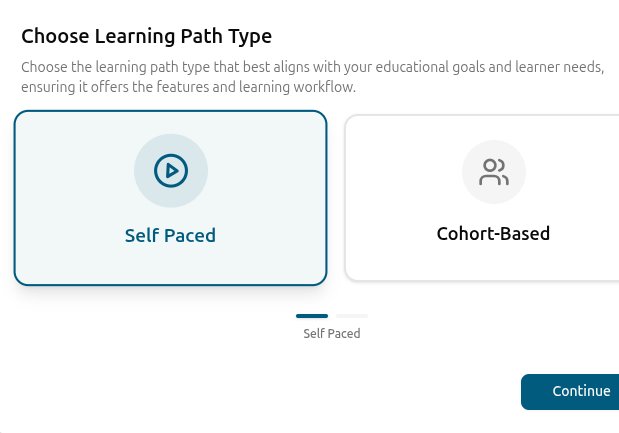
Run a path evergreen, or schedule it as a cohort with start and end dates and a max-seats cap.
Path-Level Certificates
Issue a certificate when the whole programme is completed, each with a unique number and a public verification code.
Drip & Access Rules
Reuse the same drip schedules, access rules and password protection that power individual courses inside the path.
Mixed Lesson Types
Each course in the path can use its own lesson mix — video, live, audio, text, PDF, embed, iframe — without forcing one format on the programme.
Build programmes from the courses you already have
A learning path adds a programme layer on top of Edushade courses. The courses inside keep their own curriculum, instructors and pricing — the path supplies the title, summary, thumbnail, completion message and certificate that wrap the whole journey.
Add any published course as a step in the path
Path-level title, summary, thumbnail, language and difficulty
Tags and categories so paths show up in catalogue and search
Computed duration that rolls up the courses inside
Course-by-course progression that respects prerequisites
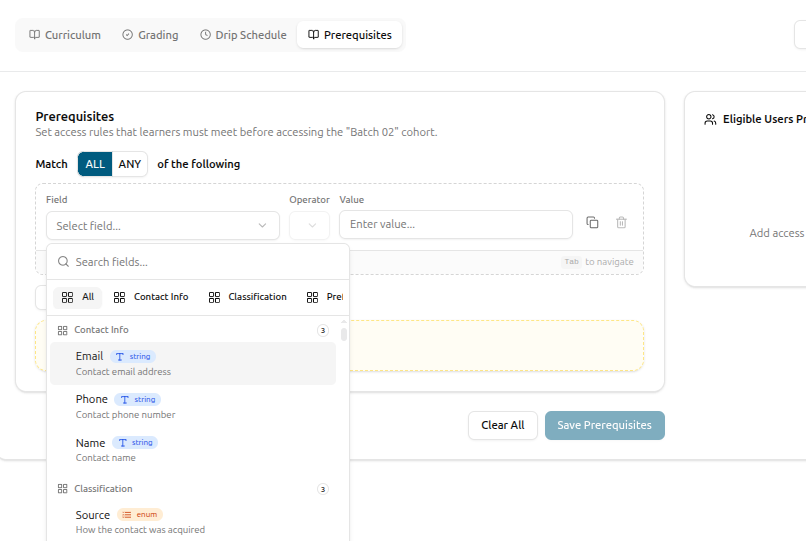
When a learner finishes one course, Edushade fires a course-unlock notification and opens the next one. Combined with drip schedules, paths give you precise control over how a programme moves — from a tightly gated certification track to an open self-study route.
Course-unlock notification when a prerequisite course completes
Drip schedules carry across to courses inside the path
Per-learner overrides, not just programme-wide rules
Programme started and programme completed notifications
Track progress at the programme level
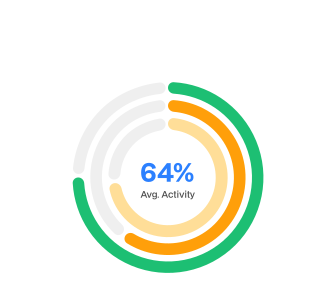
Edushade tracks progress percentage and score percentage at the path level — not just inside each course — so programme managers can see who is halfway through onboarding, who is stalled, and who has earned the certificate, without exporting and joining spreadsheets.
Progress percentage and score percentage per learner
Last accessed at, last lesson, current grade rolled up
Remaining seats and total enrollments visible at a glance
CSV export of path data, enrollments and metadata
Cohorts, instructors and access — same controls as a course
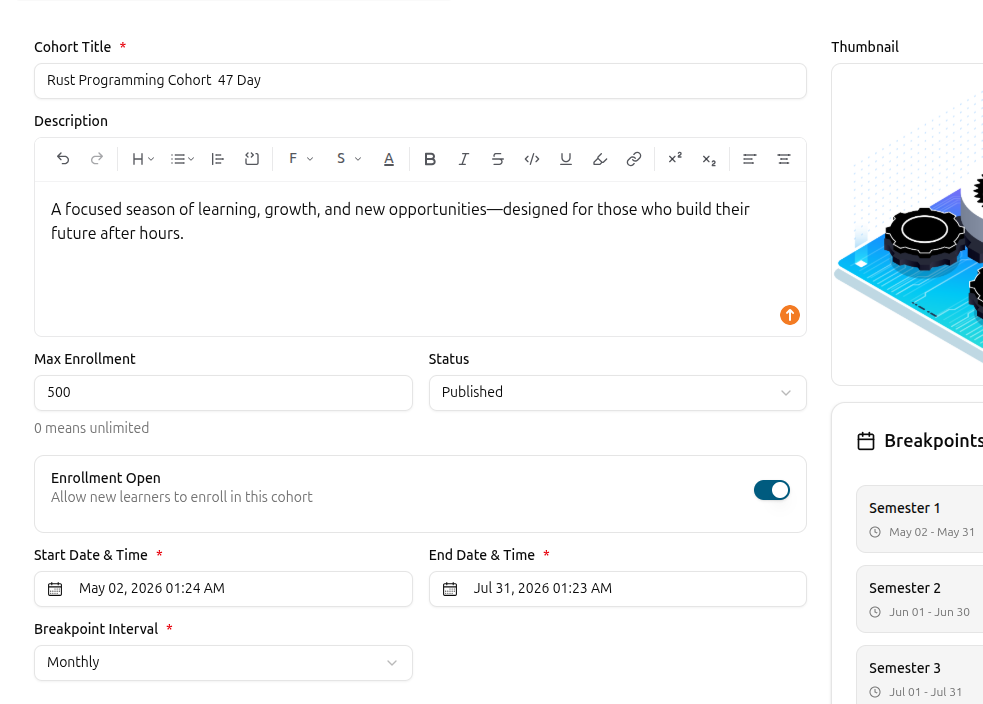
Bind a learning path to a cohort to run it as a scheduled batch with weekly live class days and a max enrollment cap. Add instructors, co-instructors and assistants at the path level, and reach for the same access rules and password protection you already use on individual courses.
Cohort binding with start and end dates, weekly schedule and seats
Instructor, co-instructor and assistant roles assignable per path
Per-path access rules and password protection
Discussion forum and ratings togglable per path
Ship a programme in three steps
Create the wrapper, drop in your courses, and pick how you want to run it. The path inherits the curriculum, drip rules and assessments from the courses you add.
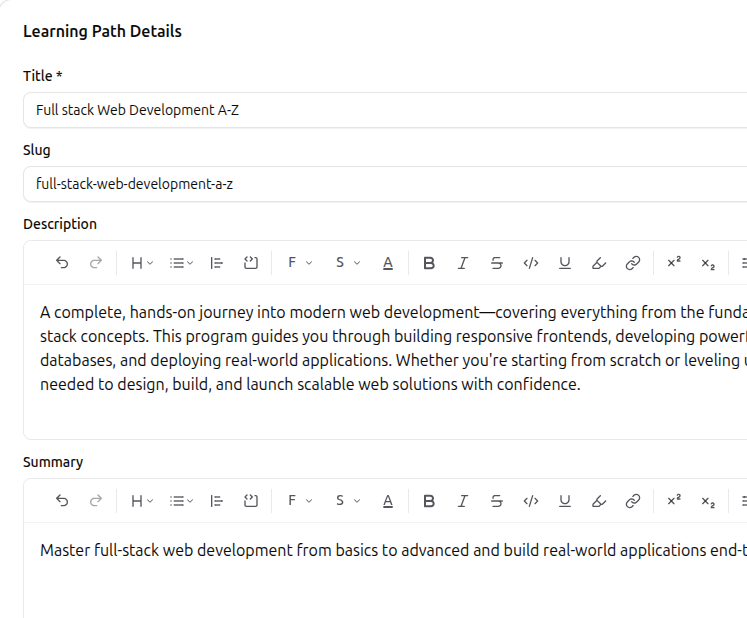
Create the path shell
Add a title, summary, thumbnail, language and difficulty. Pick self-paced or cohort-based — settings stay editable later.
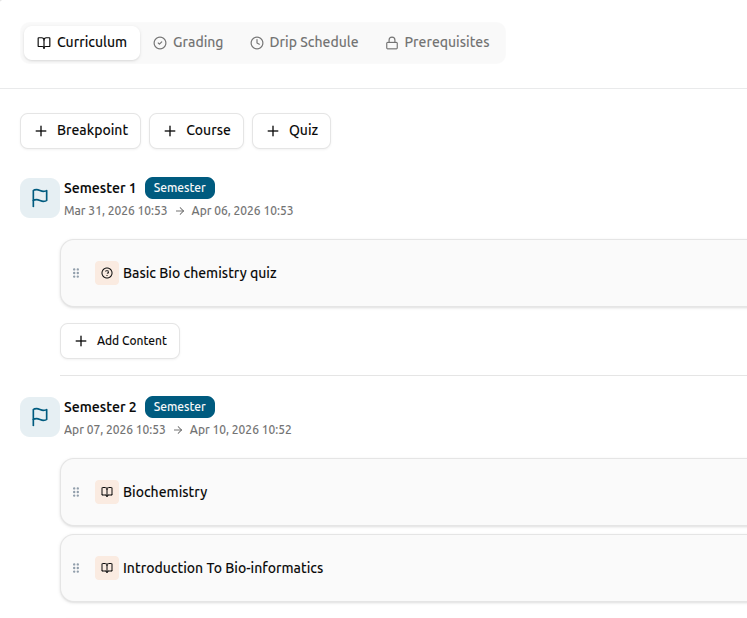
Add courses in the order you want them taken
Pick from your published courses, drag them into sequence and configure drip rules where you want learners gated between courses.
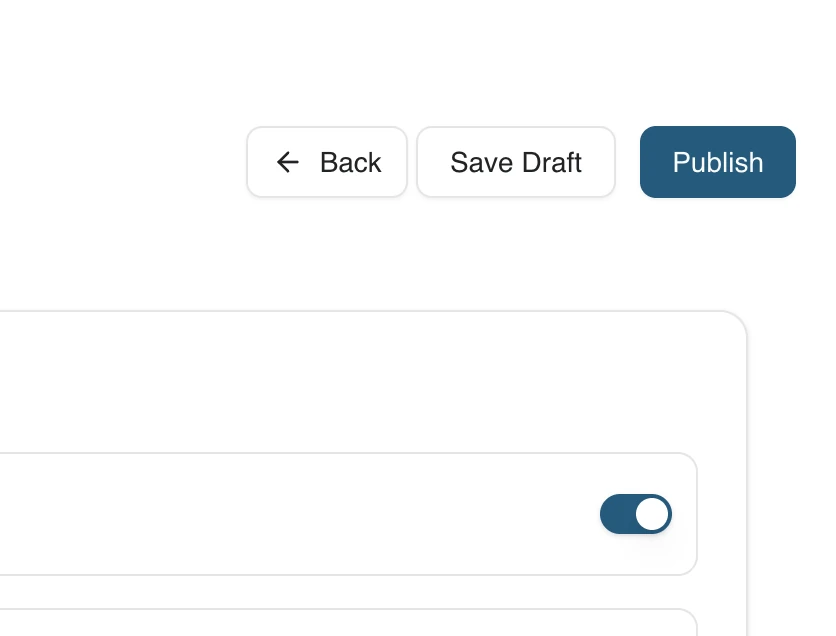
Publish and bind a cohort if you need one
Publish the path so it shows in the catalogue and starts accepting enrollments. Bind a cohort to run it as a scheduled batch.
Learning Paths FAQ
Specifics about how learning paths, course-unlock logic, drip rules, certificates and cohorts work together inside Edushade.
Can't find what you're looking for?
Contact Sales

Start Building Learning Your Way
Set up courses, programs, and learning experiences without forcing your process into rigid software. A connected system for students, educators, and administrators.
Build Your Academy