
Everything your course needs,in one place
Organise sections and lessons, mix video, live, text, PDF and audio inside the same curriculum, and decide exactly when each item unlocks. From draft to first enrollment, the whole flow lives inside Edushade.
Built for the way courses actually run
Edushade ships the pieces educators reach for every day — a curriculum builder that mirrors how lessons are taught, real lesson types, drip rules that match how cohorts move, and certificates that issue themselves once a learner passes.
Sections & Curriculum
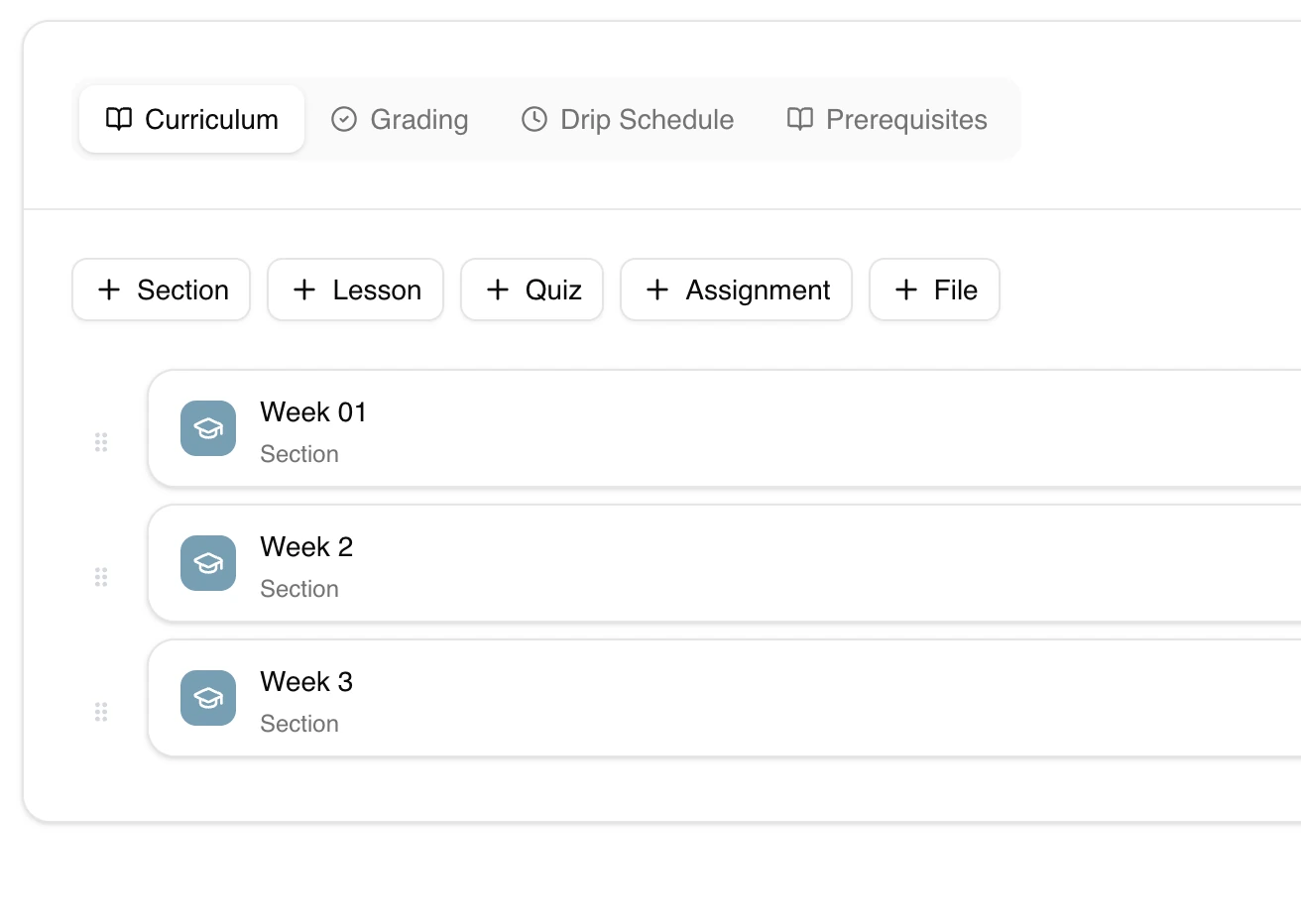
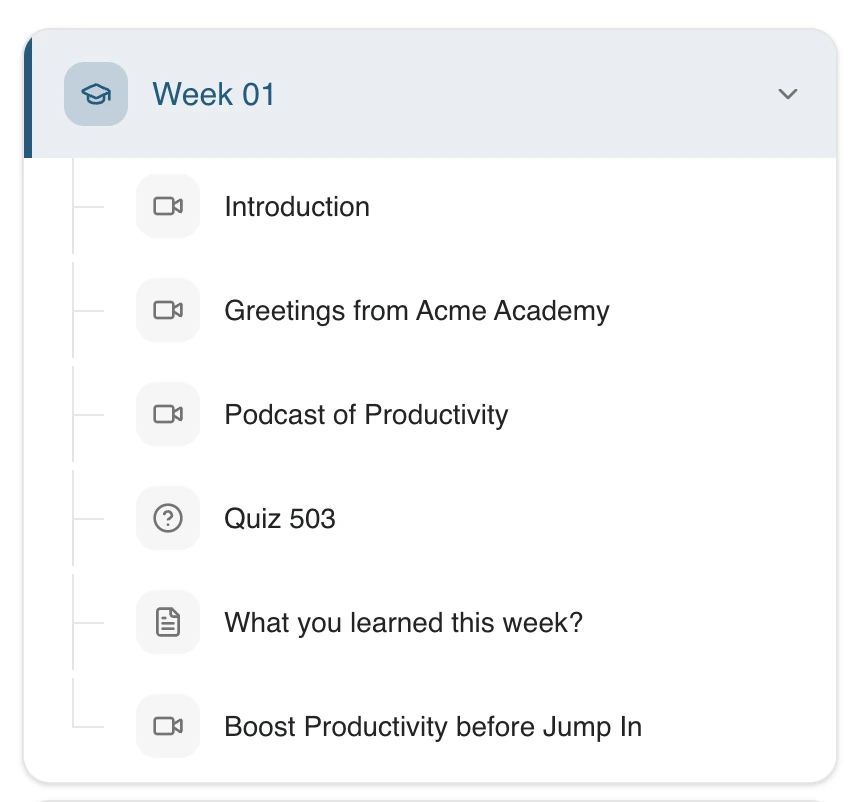
Group content into sections, reorder by drag-and-drop, and combine lessons, quizzes, assignments and downloadable files inside the same course.
Seven Lesson Types
Video, live class, audio, text, PDF, embed and iframe. Mix any of them in one course without juggling separate tools.
Drip & Unlock Rules
Release content on a fixed date, a number of days after enrollment, after a prerequisite is completed, or open it manually for a single learner.
Auto-Issued Certificates
Certificates are issued the moment a learner clears your passing grade, each with a unique number and a public verification code.
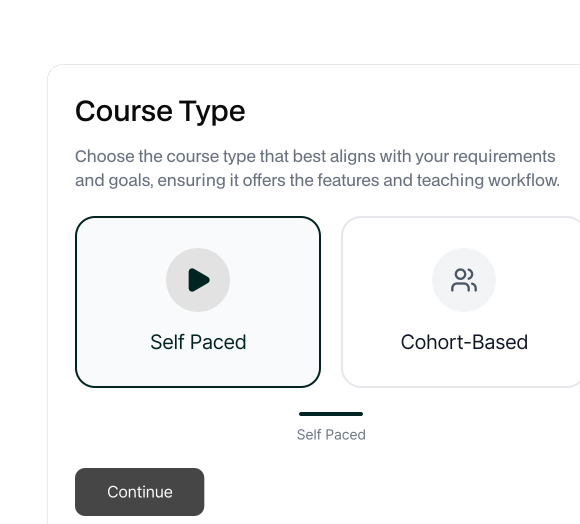
Self-Paced or Cohort-Based
Run a course as evergreen self-paced, or as a cohort with start and end dates, weekly schedule and a max-seats cap.
Quizzes & Assignments
Use practice, graded or assessment quizzes alongside text-submission and file-upload assignments — with attempts, time limits and passing marks.
Build a curriculum your learners can follow
Edushade gives you a curriculum tree: sections on the outside, lessons, quizzes, assignments and files on the inside. Drag to reorder, edit in place, and the same builder powers both your evergreen self-paced courses and your cohort batches.
Sections, lessons, quizzes, assignments and files in a single tree
Drag-and-drop reordering with stable sequencing
Per-lesson description, duration, attachments and provider metadata
Difficulty, language, tags, categories and SEO meta out of the box
Decide exactly when each lesson opens up
Drip in Edushade is not a single switch. Each curriculum item supports five unlock modes and four lock modes, so you can model anything from a strict weekly cohort to a self-paced track that opens the next module only after a quiz is passed.
Unlock on fixed date, days after enrollment, on prerequisite completion, or manually
Lock on fixed date, after enrollment offset, or after a duration since unlock
Per-learner overrides, not just course-wide rules
Pairs with quizzes and assignments so completion can drive progression
Assess however your subject demands
Reach for the right assessment without leaving the course flow. Quizzes can be practice, graded, survey or assessment-style. Assignments accept written submissions, file uploads or run as a quiz. Auto-grading handles the obvious; you handle the rest.
Quiz types: practice, graded, survey, assessment
Assignment types: text submission, file upload, quiz
Attempts, time limits, total marks, passing marks and merit lists
Optional security: full-screen, copy-paste blocking, randomised order, webcam
Multiple instructors, clear ownership
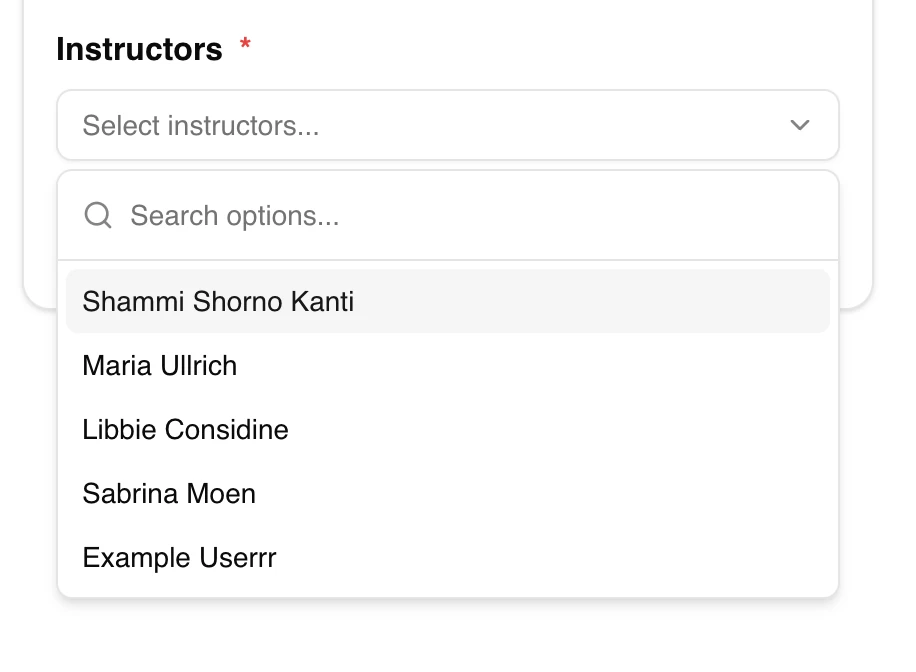
Add as many co-instructors and assistants as a course needs. Roles are assignable at the course, cohort or learning path level — and can be pinned to a single lesson, so a guest expert can own one session without getting access to the rest.
Roles: instructor, co-instructor and assistant
Assignable per course, cohort, learning path or individual lesson
Featured-instructor toggle for course pages
Permissions stay scoped to where the role is assigned
From draft to first enrollment in minutes
The whole loop — title, curriculum, publish — lives inside one builder. No exporting between tools, no copy-paste between dashboards.
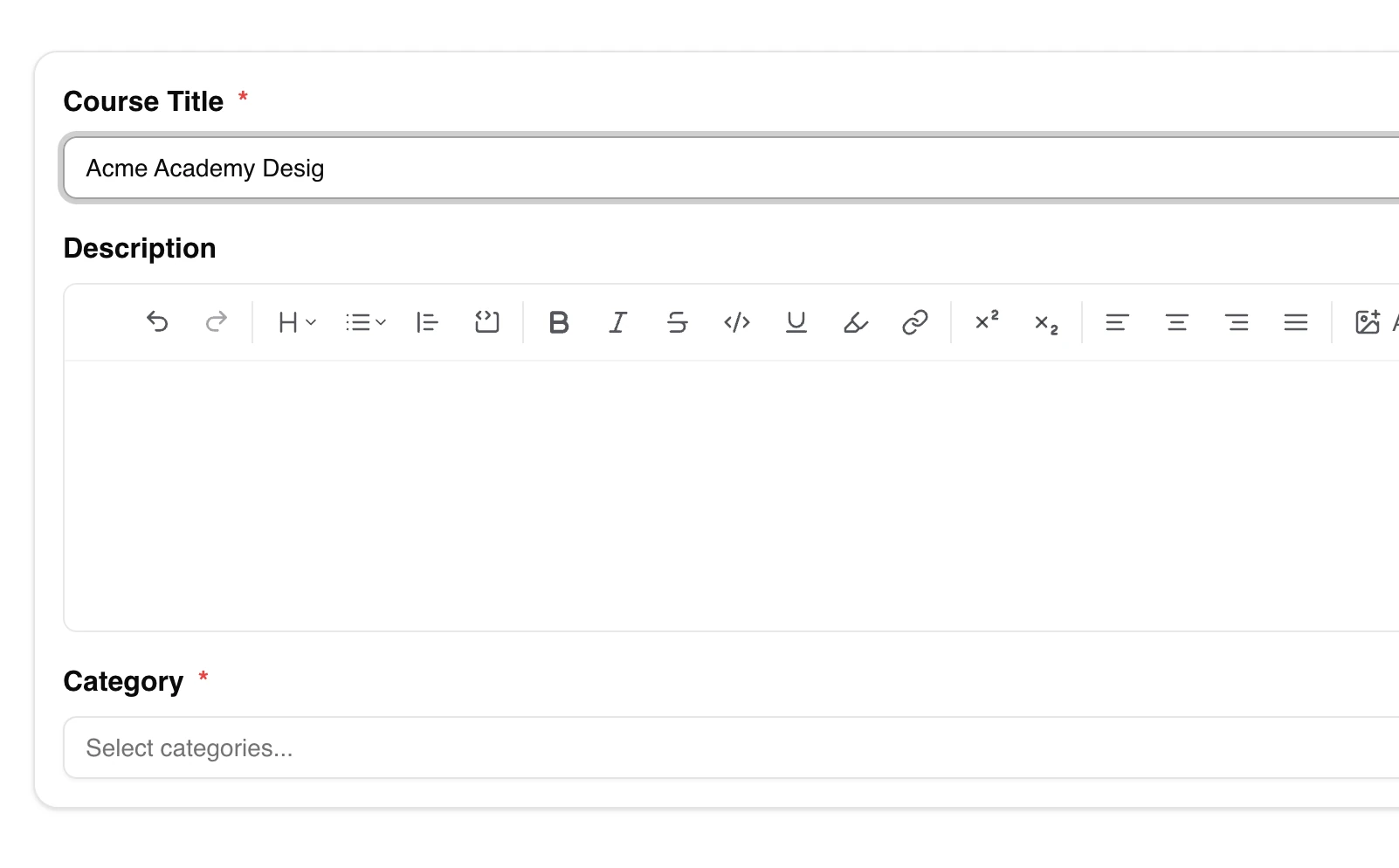
Create the course shell
Add a title, description, thumbnail, language and difficulty. Pick self-paced or cohort-based — settings stay editable later.
Build out the curriculum
Add sections, drop in lessons, quizzes, assignments and files, and set drip rules on the items that need them.
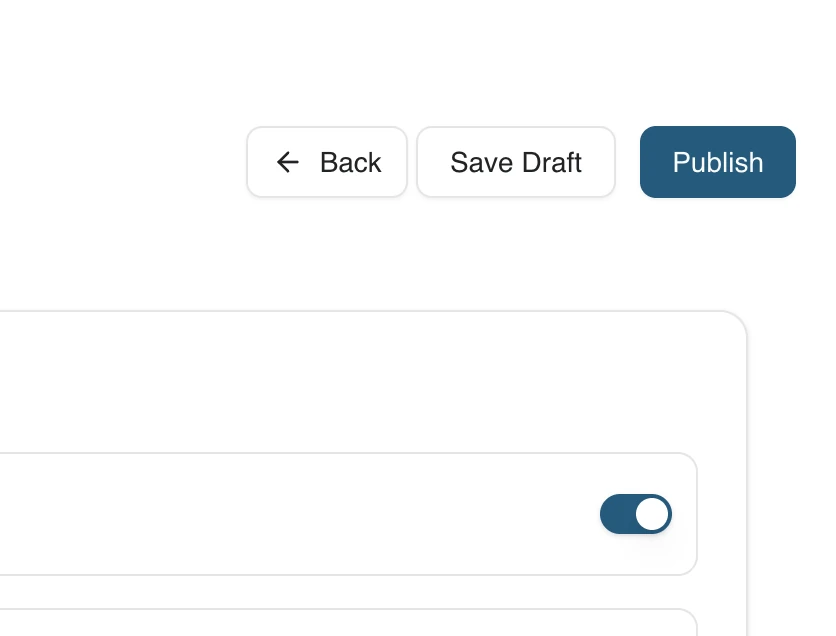
Publish or submit for review
Publish straight away, or send the course for admin review. Once it goes live, enrollments open and certificates start issuing on completion.
Course FAQ
Specifics about how courses, curriculum, drip rules, certificates and instructors work inside Edushade.
Can't find what you're looking for?
Contact Sales

Start Building Learning Your Way
Set up courses, programs, and learning experiences without forcing your process into rigid software. A connected system for students, educators, and administrators.
Build Your Academy